Lightbox2
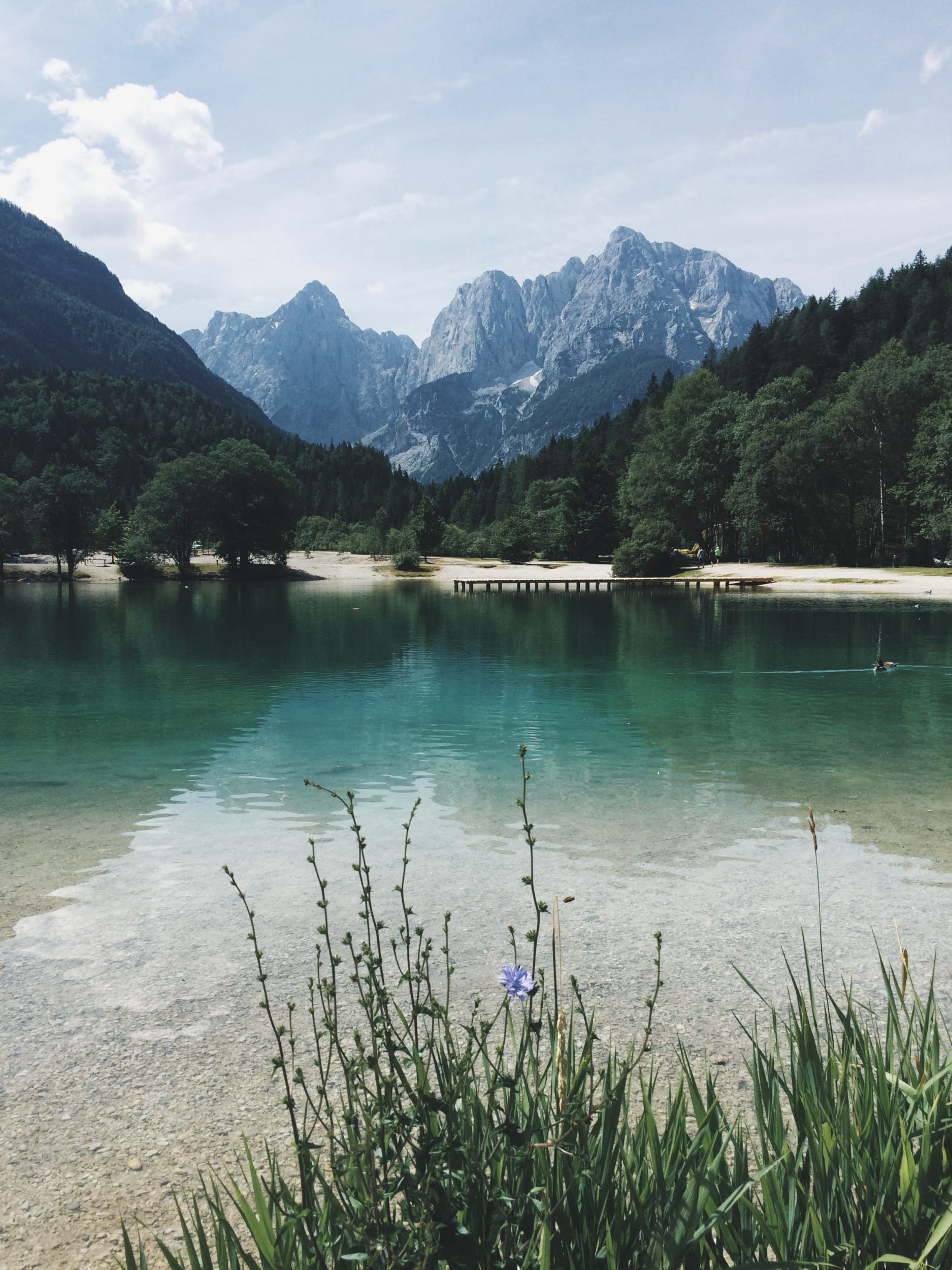


PhotoSwipe
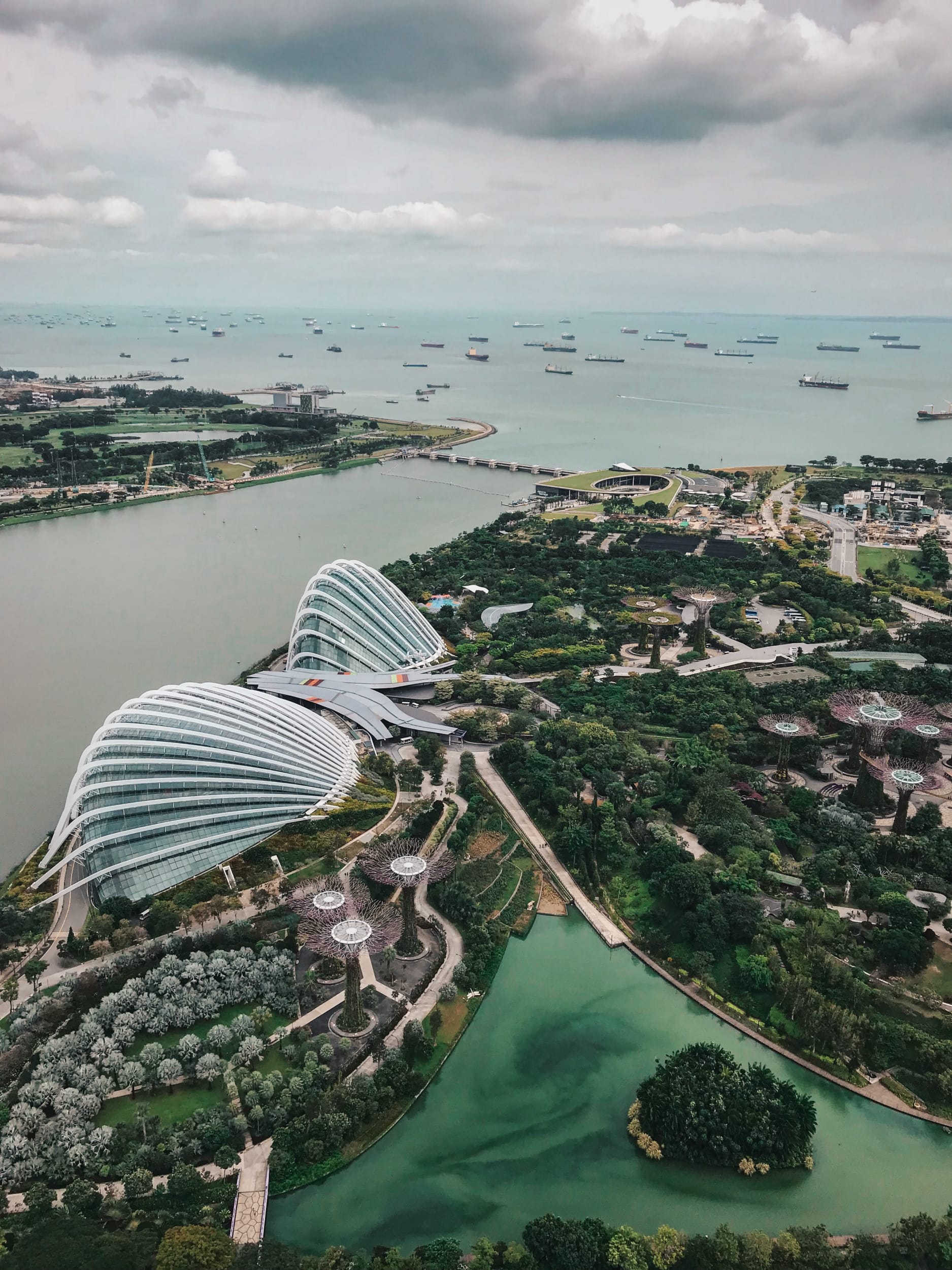


Spotlight JS


Venobox
```plotly
{
  "data": [
    {
      "x": [1, 2, 3, 4],
      "y": [10, 15, 13, 17],
      "type": "scatter"
    },
    {
      "x": [1, 2, 3, 4],
      "y": [16, 5, 11, 9],
      "type": "scatter"
    }
  ]
}
```
Which generates:
{
  "data": [
    {
      "x": [1, 2, 3, 4],
      "y": [10, 15, 13, 17],
      "type": "scatter"
    },
    {
      "x": [1, 2, 3, 4],
      "y": [16, 5, 11, 9],
      "type": "scatter"
    }
  ]
}
Also another example chart.
```plotly
{
  "data": [
    {
      "x": [1, 2, 3, 4],
      "y": [10, 15, 13, 17],
      "mode": "markers"
    },
    {
      "x": [2, 3, 4, 5],
      "y": [16, 5, 11, 9],
      "mode": "lines"
    },
    {
      "x": [1, 2, 3, 4],
      "y": [12, 9, 15, 12],
      "mode": "lines+markers"
    }
  ],
  "layout": {
    "title": {
      "text": "Line and Scatter Plot"
    }
  }
}
```
This is how it looks like:
{
  "data": [
    {
      "x": [1, 2, 3, 4],
      "y": [10, 15, 13, 17],
      "mode": "markers"
    },
    {
      "x": [2, 3, 4, 5],
      "y": [16, 5, 11, 9],
      "mode": "lines"
    },
    {
      "x": [1, 2, 3, 4],
      "y": [12, 9, 15, 12],
      "mode": "lines+markers"
    }
  ],
  "layout": {
    "title": {
      "text": "Line and Scatter Plot"
    }
  }
}
To add tabs, use the following syntax:
{% tabs group-name %}

{% tab group-name tab-name-1 %}

Content 1

{% endtab %}

{% tab group-name tab-name-2 %}

Content 2

{% endtab %}

{% endtabs %}
With this you can generate visualizations like:
var_dump('hello');
console.log("hello");
pputs 'hello'
hello:
  - "whatsup"
  - "hi"
{
  "hello": ["whatsup", "hi"]
}
Regular text
A quote
Hipster list
```typograms
+----+
|    |---> My first diagram!
+----+
```
Which generates:
+----+
|    |---> My first diagram!
+----+
Another example:
```typograms
.------------------------.
|.----------------------.|
||"https://example.com" ||
|'----------------------'|
| ______________________ |
||                      ||
||   Welcome!           ||
||                      ||
||                      ||
||  .----------------.  ||
||  | username       |  ||
||  '----------------'  ||
||  .----------------.  ||
||  |"*******"       |  ||
||  '----------------'  ||
||                      ||
||  .----------------.  ||
||  |   "Sign-up"    |  ||
||  '----------------'  ||
||                      ||
|+----------------------+|
.------------------------.
```
which generates:
.------------------------.
|.----------------------.|
||"https://example.com" ||
|'----------------------'|
| ______________________ |
||                      ||
||   Welcome!           ||
||                      ||
||                      ||
||  .----------------.  ||
||  | username       |  ||
||  '----------------'  ||
||  .----------------.  ||
||  |"*******"       |  ||
||  '----------------'  ||
||                      ||
||  .----------------.  ||
||  |   "Sign-up"    |  ||
||  '----------------'  ||
||                      ||
|+----------------------+|
.------------------------.
For more examples, check out the typograms documentation.
]]>citation key in the front matter to true.]]>$, you should use $$ instead. Also, note that the pseudocode key in the front matter is set to true to enable the rendering of pseudo code. As an example, using this code: ```pseudocode
% This quicksort algorithm is extracted from Chapter 7, Introduction to Algorithms (3rd edition)
\begin{algorithm}
\caption{Quicksort}
\begin{algorithmic}
\PROCEDURE{Quicksort}{$$A, p, r$$}
    \IF{$$p < r$$}
        \STATE $$q = $$ \CALL{Partition}{$$A, p, r$$}
        \STATE \CALL{Quicksort}{$$A, p, q - 1$$}
        \STATE \CALL{Quicksort}{$$A, q + 1, r$$}
    \ENDIF
\ENDPROCEDURE
\PROCEDURE{Partition}{$$A, p, r$$}
    \STATE $$x = A[r]$$
    \STATE $$i = p - 1$$
    \FOR{$$j = p$$ \TO $$r - 1$$}
        \IF{$$A[j] < x$$}
            \STATE $$i = i + 1$$
            \STATE exchange
            $$A[i]$$ with $$A[j]$$
        \ENDIF
        \STATE exchange $$A[i]$$ with $$A[r]$$
    \ENDFOR
\ENDPROCEDURE
\end{algorithmic}
\end{algorithm}
```
Generates:
% This quicksort algorithm is extracted from Chapter 7, Introduction to Algorithms (3rd edition)
\begin{algorithm}
\caption{Quicksort}
\begin{algorithmic}
\PROCEDURE{Quicksort}{$$A, p, r$$}
\IF{$$p < r$$}
\STATE $$q = $$ \CALL{Partition}{$$A, p, r$$}
\STATE \CALL{Quicksort}{$$A, p, q - 1$$}
\STATE \CALL{Quicksort}{$$A, q + 1, r$$}
\ENDIF
\ENDPROCEDURE
\PROCEDURE{Partition}{$$A, p, r$$}
\STATE $$x = A[r]$$
\STATE $$i = p - 1$$
\FOR{$$j = p$$ \TO $$r - 1$$}
\IF{$$A[j] < x$$}
\STATE $$i = i + 1$$
\STATE exchange
$$A[i]$$ with $$A[j]$$
\ENDIF
\STATE exchange $$A[i]$$ with $$A[r]$$
\ENDFOR
\ENDPROCEDURE
\end{algorithmic}
\end{algorithm}
```diff
diff --git a/sample.js b/sample.js
index 0000001..0ddf2ba
--- a/sample.js
+++ b/sample.js
@@ -1 +1 @@
-console.log("Hello World!")
+console.log("Hello from Diff2Html!")
```
Which generates:
diff --git a/sample.js b/sample.js
index 0000001..0ddf2ba
--- a/sample.js
+++ b/sample.js
@@ -1 +1 @@
-console.log("Hello World!")
+console.log("Hello from Diff2Html!")
But this is difficult to read, specially if you have a large diff. You can use diff2html to display a more readable version of the diff. For this, just use diff2html instead of diff for the code block language:
```diff2html
diff --git a/sample.js b/sample.js
index 0000001..0ddf2ba
--- a/sample.js
+++ b/sample.js
@@ -1 +1 @@
-console.log("Hello World!")
+console.log("Hello from Diff2Html!")
```
If we use a longer example, for example this commit from diff2html, it will generate the following output:
From 2aaae31cc2a37bfff83430c2c914b140bee59b6a Mon Sep 17 00:00:00 2001
From: Rodrigo Fernandes <rtfrodrigo@gmail.com>
Date: Sun, 9 Oct 2016 16:41:54 +0100
Subject: [PATCH 1/2] Initial template override support

---
 scripts/hulk.js                    |  4 ++--
 src/diff2html.js                   |  3 +--
 src/file-list-printer.js           | 11 ++++++++---
 src/hoganjs-utils.js               | 29 +++++++++++++++++------------
 src/html-printer.js                |  6 ++++++
 src/line-by-line-printer.js        |  6 +++++-
 src/side-by-side-printer.js        |  6 +++++-
 test/file-list-printer-tests.js    |  2 +-
 test/hogan-cache-tests.js          | 18 +++++++++++++++---
 test/line-by-line-tests.js         |  3 +--
 test/side-by-side-printer-tests.js |  3 +--
 11 files changed, 62 insertions(+), 29 deletions(-)

diff --git a/scripts/hulk.js b/scripts/hulk.js
index 5a793c18..a4b1a4d5 100755
--- a/scripts/hulk.js
+++ b/scripts/hulk.js
@@ -173,11 +173,11 @@ function namespace(name) {
 // write a template foreach file that matches template extension
 templates = extractFiles(options.argv.remain)
   .map(function(file) {
-    var openedFile = fs.readFileSync(file, 'utf-8');
+    var openedFile = fs.readFileSync(file, 'utf-8').trim();
     var name;
     if (!openedFile) return;
     name = namespace(path.basename(file).replace(/\..*$/, ''));
-    openedFile = removeByteOrderMark(openedFile.trim());
+    openedFile = removeByteOrderMark(openedFile);
     openedFile = wrap(file, name, openedFile);
     if (!options.outputdir) return openedFile;
     fs.writeFileSync(path.join(options.outputdir, name + '.js')
diff --git a/src/diff2html.js b/src/diff2html.js
index 21b0119e..64e138f5 100644
--- a/src/diff2html.js
+++ b/src/diff2html.js
@@ -7,7 +7,6 @@

 (function() {
   var diffParser = require('./diff-parser.js').DiffParser;
-  var fileLister = require('./file-list-printer.js').FileListPrinter;
   var htmlPrinter = require('./html-printer.js').HtmlPrinter;

   function Diff2Html() {
@@ -43,7 +42,7 @@

     var fileList = '';
     if (configOrEmpty.showFiles === true) {
-      fileList = fileLister.generateFileList(diffJson, configOrEmpty);
+      fileList = htmlPrinter.generateFileListSummary(diffJson, configOrEmpty);
     }

     var diffOutput = '';
diff --git a/src/file-list-printer.js b/src/file-list-printer.js
index e408d9b2..1e0a2c61 100644
--- a/src/file-list-printer.js
+++ b/src/file-list-printer.js
@@ -8,11 +8,16 @@
 (function() {
   var printerUtils = require('./printer-utils.js').PrinterUtils;

-  var hoganUtils = require('./hoganjs-utils.js').HoganJsUtils;
+  var hoganUtils;
+
   var baseTemplatesPath = 'file-summary';
   var iconsBaseTemplatesPath = 'icon';

-  function FileListPrinter() {
+  function FileListPrinter(config) {
+    this.config = config;
+
+    var HoganJsUtils = require('./hoganjs-utils.js').HoganJsUtils;
+    hoganUtils = new HoganJsUtils(config);
   }

   FileListPrinter.prototype.generateFileList = function(diffFiles) {
@@ -38,5 +43,5 @@
     });
   };

-  module.exports.FileListPrinter = new FileListPrinter();
+  module.exports.FileListPrinter = FileListPrinter;
 })();
diff --git a/src/hoganjs-utils.js b/src/hoganjs-utils.js
index 9949e5fa..0dda08d7 100644
--- a/src/hoganjs-utils.js
+++ b/src/hoganjs-utils.js
@@ -8,18 +8,19 @@
 (function() {
   var fs = require('fs');
   var path = require('path');
-
   var hogan = require('hogan.js');

   var hoganTemplates = require('./templates/diff2html-templates.js');

-  var templatesPath = path.resolve(__dirname, 'templates');
+  var extraTemplates;

-  function HoganJsUtils() {
+  function HoganJsUtils(configuration) {
+    this.config = configuration || {};
+    extraTemplates = this.config.templates || {};
   }

-  HoganJsUtils.prototype.render = function(namespace, view, params, configuration) {
-    var template = this.template(namespace, view, configuration);
+  HoganJsUtils.prototype.render = function(namespace, view, params) {
+    var template = this.template(namespace, view);
     if (template) {
       return template.render(params);
     }
@@ -27,17 +28,16 @@
     return null;
   };

-  HoganJsUtils.prototype.template = function(namespace, view, configuration) {
-    var config = configuration || {};
+  HoganJsUtils.prototype.template = function(namespace, view) {
     var templateKey = this._templateKey(namespace, view);

-    return this._getTemplate(templateKey, config);
+    return this._getTemplate(templateKey);
   };

-  HoganJsUtils.prototype._getTemplate = function(templateKey, config) {
+  HoganJsUtils.prototype._getTemplate = function(templateKey) {
     var template;

-    if (!config.noCache) {
+    if (!this.config.noCache) {
       template = this._readFromCache(templateKey);
     }

@@ -53,6 +53,7 @@

     try {
       if (fs.readFileSync) {
+        var templatesPath = path.resolve(__dirname, 'templates');
         var templatePath = path.join(templatesPath, templateKey);
         var templateContent = fs.readFileSync(templatePath + '.mustache', 'utf8');
         template = hogan.compile(templateContent);
@@ -66,12 +67,16 @@
   };

   HoganJsUtils.prototype._readFromCache = function(templateKey) {
-    return hoganTemplates[templateKey];
+    return extraTemplates[templateKey] || hoganTemplates[templateKey];
   };

   HoganJsUtils.prototype._templateKey = function(namespace, view) {
     return namespace + '-' + view;
   };

-  module.exports.HoganJsUtils = new HoganJsUtils();
+  HoganJsUtils.prototype.compile = function(templateStr) {
+    return hogan.compile(templateStr);
+  };
+
+  module.exports.HoganJsUtils = HoganJsUtils;
 })();
diff --git a/src/html-printer.js b/src/html-printer.js
index 585d5b66..13f83047 100644
--- a/src/html-printer.js
+++ b/src/html-printer.js
@@ -8,6 +8,7 @@
 (function() {
   var LineByLinePrinter = require('./line-by-line-printer.js').LineByLinePrinter;
   var SideBySidePrinter = require('./side-by-side-printer.js').SideBySidePrinter;
+  var FileListPrinter = require('./file-list-printer.js').FileListPrinter;

   function HtmlPrinter() {
   }
@@ -22,5 +23,10 @@
     return sideBySidePrinter.generateSideBySideJsonHtml(diffFiles);
   };

+  HtmlPrinter.prototype.generateFileListSummary = function(diffJson, config) {
+    var fileListPrinter = new FileListPrinter(config);
+    return fileListPrinter.generateFileList(diffJson);
+  };
+
   module.exports.HtmlPrinter = new HtmlPrinter();
 })();
diff --git a/src/line-by-line-printer.js b/src/line-by-line-printer.js
index b07eb53c..d230bedd 100644
--- a/src/line-by-line-printer.js
+++ b/src/line-by-line-printer.js
@@ -11,7 +11,8 @@
   var utils = require('./utils.js').Utils;
   var Rematch = require('./rematch.js').Rematch;

-  var hoganUtils = require('./hoganjs-utils.js').HoganJsUtils;
+  var hoganUtils;
+
   var genericTemplatesPath = 'generic';
   var baseTemplatesPath = 'line-by-line';
   var iconsBaseTemplatesPath = 'icon';
@@ -19,6 +20,9 @@

   function LineByLinePrinter(config) {
     this.config = config;
+
+    var HoganJsUtils = require('./hoganjs-utils.js').HoganJsUtils;
+    hoganUtils = new HoganJsUtils(config);
   }

   LineByLinePrinter.prototype.makeFileDiffHtml = function(file, diffs) {
diff --git a/src/side-by-side-printer.js b/src/side-by-side-printer.js
index bbf1dc8d..5e3033b3 100644
--- a/src/side-by-side-printer.js
+++ b/src/side-by-side-printer.js
@@ -11,7 +11,8 @@
   var utils = require('./utils.js').Utils;
   var Rematch = require('./rematch.js').Rematch;

-  var hoganUtils = require('./hoganjs-utils.js').HoganJsUtils;
+  var hoganUtils;
+
   var genericTemplatesPath = 'generic';
   var baseTemplatesPath = 'side-by-side';
   var iconsBaseTemplatesPath = 'icon';
@@ -26,6 +27,9 @@

   function SideBySidePrinter(config) {
     this.config = config;
+
+    var HoganJsUtils = require('./hoganjs-utils.js').HoganJsUtils;
+    hoganUtils = new HoganJsUtils(config);
   }

   SideBySidePrinter.prototype.makeDiffHtml = function(file, diffs) {
diff --git a/test/file-list-printer-tests.js b/test/file-list-printer-tests.js
index a502a46f..60ea3208 100644
--- a/test/file-list-printer-tests.js
+++ b/test/file-list-printer-tests.js
@@ -1,6 +1,6 @@
 var assert = require('assert');

-var fileListPrinter = require('../src/file-list-printer.js').FileListPrinter;
+var fileListPrinter = new (require('../src/file-list-printer.js').FileListPrinter)();

 describe('FileListPrinter', function() {
   describe('generateFileList', function() {
diff --git a/test/hogan-cache-tests.js b/test/hogan-cache-tests.js
index 190bf6f8..3bb754ac 100644
--- a/test/hogan-cache-tests.js
+++ b/test/hogan-cache-tests.js
@@ -1,6 +1,6 @@
 var assert = require('assert');

-var HoganJsUtils = require('../src/hoganjs-utils.js').HoganJsUtils;
+var HoganJsUtils = new (require('../src/hoganjs-utils.js').HoganJsUtils)();
 var diffParser = require('../src/diff-parser.js').DiffParser;

 describe('HoganJsUtils', function() {
@@ -21,16 +21,28 @@ describe('HoganJsUtils', function() {
       });
       assert.equal(emptyDiffHtml, result);
     });
+
     it('should render view without cache', function() {
       var result = HoganJsUtils.render('generic', 'empty-diff', {
         contentClass: 'd2h-code-line',
         diffParser: diffParser
       }, {noCache: true});
-      assert.equal(emptyDiffHtml + '\n', result);
+      assert.equal(emptyDiffHtml, result);
     });
+
     it('should return null if template is missing', function() {
-      var result = HoganJsUtils.render('generic', 'missing-template', {}, {noCache: true});
+      var hoganUtils = new (require('../src/hoganjs-utils.js').HoganJsUtils)({noCache: true});
+      var result = hoganUtils.render('generic', 'missing-template', {});
       assert.equal(null, result);
     });
+
+    it('should allow templates to be overridden', function() {
+      var emptyDiffTemplate = HoganJsUtils.compile('<p></p>');
+
+      var config = {templates: {'generic-empty-diff': emptyDiffTemplate}};
+      var hoganUtils = new (require('../src/hoganjs-utils.js').HoganJsUtils)(config);
+      var result = hoganUtils.render('generic', 'empty-diff', {myName: 'Rodrigo Fernandes'});
+      assert.equal('<p>Rodrigo Fernandes</p>', result);
+    });
   });
 });
diff --git a/test/line-by-line-tests.js b/test/line-by-line-tests.js
index 1cd92073..8869b3df 100644
--- a/test/line-by-line-tests.js
+++ b/test/line-by-line-tests.js
@@ -14,7 +14,7 @@ describe('LineByLinePrinter', function() {
         '            File without changes\n' +
         '        </div>\n' +
         '    </td>\n' +
-        '</tr>\n';
+        '</tr>';

       assert.equal(expected, fileHtml);
     });
@@ -422,7 +422,6 @@ describe('LineByLinePrinter', function() {
         '        </div>\n' +
         '    </td>\n' +
         '</tr>\n' +
-        '\n' +
         '                </tbody>\n' +
         '            </table>\n' +
         '        </div>\n' +
diff --git a/test/side-by-side-printer-tests.js b/test/side-by-side-printer-tests.js
index 76625f8e..771daaa5 100644
--- a/test/side-by-side-printer-tests.js
+++ b/test/side-by-side-printer-tests.js
@@ -14,7 +14,7 @@ describe('SideBySidePrinter', function() {
         '            File without changes\n' +
         '        </div>\n' +
         '    </td>\n' +
-        '</tr>\n';
+        '</tr>';

       assert.equal(expectedRight, fileHtml.right);
       assert.equal(expectedLeft, fileHtml.left);
@@ -324,7 +324,6 @@ describe('SideBySidePrinter', function() {
         '        </div>\n' +
         '    </td>\n' +
         '</tr>\n' +
-        '\n' +
         '                    </tbody>\n' +
         '                </table>\n' +
         '            </div>\n' +

From f3cadb96677d0eb82fc2752dc3ffbf35ca9b5bdb Mon Sep 17 00:00:00 2001
From: Rodrigo Fernandes <rtfrodrigo@gmail.com>
Date: Sat, 15 Oct 2016 13:21:22 +0100
Subject: [PATCH 2/2] Allow uncompiled templates

---
 README.md                 |  3 +++
 src/hoganjs-utils.js      |  7 +++++++
 test/hogan-cache-tests.js | 24 +++++++++++++++++++++++-
 3 files changed, 33 insertions(+), 1 deletion(-)

diff --git a/README.md b/README.md
index 132c8a28..46909f25 100644
--- a/README.md
+++ b/README.md
@@ -98,6 +98,9 @@ The HTML output accepts a Javascript object with configuration. Possible options
   - `synchronisedScroll`: scroll both panes in side-by-side mode: `true` or `false`, default is `false`
   - `matchWordsThreshold`: similarity threshold for word matching, default is 0.25
   - `matchingMaxComparisons`: perform at most this much comparisons for line matching a block of changes, default is `2500`
+  - `templates`: object with previously compiled templates to replace parts of the html
+  - `rawTemplates`: object with raw not compiled templates to replace parts of the html
+  > For more information regarding the possible templates look into [src/templates](https://github.com/rtfpessoa/diff2html/tree/master/src/templates)

 ## Diff2HtmlUI Helper

diff --git a/src/hoganjs-utils.js b/src/hoganjs-utils.js
index 0dda08d7..b2e9c275 100644
--- a/src/hoganjs-utils.js
+++ b/src/hoganjs-utils.js
@@ -17,6 +17,13 @@
   function HoganJsUtils(configuration) {
     this.config = configuration || {};
     extraTemplates = this.config.templates || {};
+
+    var rawTemplates = this.config.rawTemplates || {};
+    for (var templateName in rawTemplates) {
+      if (rawTemplates.hasOwnProperty(templateName)) {
+        if (!extraTemplates[templateName]) extraTemplates[templateName] = this.compile(rawTemplates[templateName]);
+      }
+    }
   }

   HoganJsUtils.prototype.render = function(namespace, view, params) {
diff --git a/test/hogan-cache-tests.js b/test/hogan-cache-tests.js
index 3bb754ac..a34839c0 100644
--- a/test/hogan-cache-tests.js
+++ b/test/hogan-cache-tests.js
@@ -36,7 +36,7 @@ describe('HoganJsUtils', function() {
       assert.equal(null, result);
     });

-    it('should allow templates to be overridden', function() {
+    it('should allow templates to be overridden with compiled templates', function() {
       var emptyDiffTemplate = HoganJsUtils.compile('<p></p>');

       var config = {templates: {'generic-empty-diff': emptyDiffTemplate}};
@@ -44,5 +44,27 @@ describe('HoganJsUtils', function() {
       var result = hoganUtils.render('generic', 'empty-diff', {myName: 'Rodrigo Fernandes'});
       assert.equal('<p>Rodrigo Fernandes</p>', result);
     });
+
+    it('should allow templates to be overridden with uncompiled templates', function() {
+      var emptyDiffTemplate = '<p></p>';
+
+      var config = {rawTemplates: {'generic-empty-diff': emptyDiffTemplate}};
+      var hoganUtils = new (require('../src/hoganjs-utils.js').HoganJsUtils)(config);
+      var result = hoganUtils.render('generic', 'empty-diff', {myName: 'Rodrigo Fernandes'});
+      assert.equal('<p>Rodrigo Fernandes</p>', result);
+    });
+
+    it('should allow templates to be overridden giving priority to compiled templates', function() {
+      var emptyDiffTemplate = HoganJsUtils.compile('<p></p>');
+      var emptyDiffTemplateUncompiled = '<p>Not used!</p>';
+
+      var config = {
+        templates: {'generic-empty-diff': emptyDiffTemplate},
+        rawTemplates: {'generic-empty-diff': emptyDiffTemplateUncompiled}
+      };
+      var hoganUtils = new (require('../src/hoganjs-utils.js').HoganJsUtils)(config);
+      var result = hoganUtils.render('generic', 'empty-diff', {myName: 'Rodrigo Fernandes'});
+      assert.equal('<p>Rodrigo Fernandes</p>', result);
+    });
   });
 });
This is a simple image slider. It uses the Swiper library. Check the examples page for more information of what you can achieve with it.


This is a simple image comparison slider. It uses the img-comparison-slider library. Check the examples page for more information of what you can achieve with it.


```vega_lite
{
  "$schema": "https://vega.github.io/schema/vega-lite/v5.json",
  "description": "A dot plot showing each movie in the database, and the difference from the average movie rating. The display is sorted by year to visualize everything in sequential order. The graph is for all Movies before 2019.",
  "data": {
    "url": "https://raw.githubusercontent.com/vega/vega/main/docs/data/movies.json"
  },
  "transform": [
    {"filter": "datum['IMDB Rating'] != null"},
    {"filter": {"timeUnit": "year", "field": "Release Date", "range": [null, 2019]}},
    {
      "joinaggregate": [{
        "op": "mean",
        "field": "IMDB Rating",
        "as": "AverageRating"
      }]
    },
    {
      "calculate": "datum['IMDB Rating'] - datum.AverageRating",
      "as": "RatingDelta"
    }
  ],
  "mark": "point",
  "encoding": {
    "x": {
      "field": "Release Date",
      "type": "temporal"
    },
    "y": {
      "field": "RatingDelta",
      "type": "quantitative",
      "title": "Rating Delta"
    },
    "color": {
      "field": "RatingDelta",
      "type": "quantitative",
      "scale": {"domainMid": 0},
      "title": "Rating Delta"
    }
  }
}
```
Which generates:
{
  "$schema": "https://vega.github.io/schema/vega-lite/v5.json",
  "description": "A dot plot showing each movie in the database, and the difference from the average movie rating. The display is sorted by year to visualize everything in sequential order. The graph is for all Movies before 2019.",
  "data": {
    "url": "https://raw.githubusercontent.com/vega/vega/main/docs/data/movies.json"
  },
  "transform": [
    {"filter": "datum['IMDB Rating'] != null"},
    {"filter": {"timeUnit": "year", "field": "Release Date", "range": [null, 2019]}},
    {
      "joinaggregate": [{
        "op": "mean",
        "field": "IMDB Rating",
        "as": "AverageRating"
      }]
    },
    {
      "calculate": "datum['IMDB Rating'] - datum.AverageRating",
      "as": "RatingDelta"
    }
  ],
  "mark": "point",
  "encoding": {
    "x": {
      "field": "Release Date",
      "type": "temporal"
    },
    "y": {
      "field": "RatingDelta",
      "type": "quantitative",
      "title": "Rating Delta"
    },
    "color": {
      "field": "RatingDelta",
      "type": "quantitative",
      "scale": {"domainMid": 0},
      "title": "Rating Delta"
    }
  }
}
This plot supports both light and dark themes.
]]>```geojson
{
  "type": "FeatureCollection",
  "features": [
    {
      "type": "Feature",
      "properties": {},
      "geometry": {
        "coordinates": [
          [
            [
              -60.11363029935569,
              -2.904625022183211
            ],
            [
              -60.11363029935569,
              -3.162613728707967
            ],
            [
              -59.820894493858034,
              -3.162613728707967
            ],
            [
              -59.820894493858034,
              -2.904625022183211
            ],
            [
              -60.11363029935569,
              -2.904625022183211
            ]
          ]
        ],
        "type": "Polygon"
      }
    }
  ]
}
```
Which generates:
{
"type": "FeatureCollection",
"features": [
{
"type": "Feature",
"properties": {},
"geometry": {
"coordinates": [
[
[
-60.11363029935569,
-2.904625022183211
],
[
-60.11363029935569,
-3.162613728707967
],
[
-59.820894493858034,
-3.162613728707967
],
[
-59.820894493858034,
-2.904625022183211
],
[
-60.11363029935569,
-2.904625022183211
]
]
],
"type": "Polygon"
}
}
]
}